Practical Skills for Art Direction: The Moving Image - Year 2

Task 3: Animated Social Media Assets

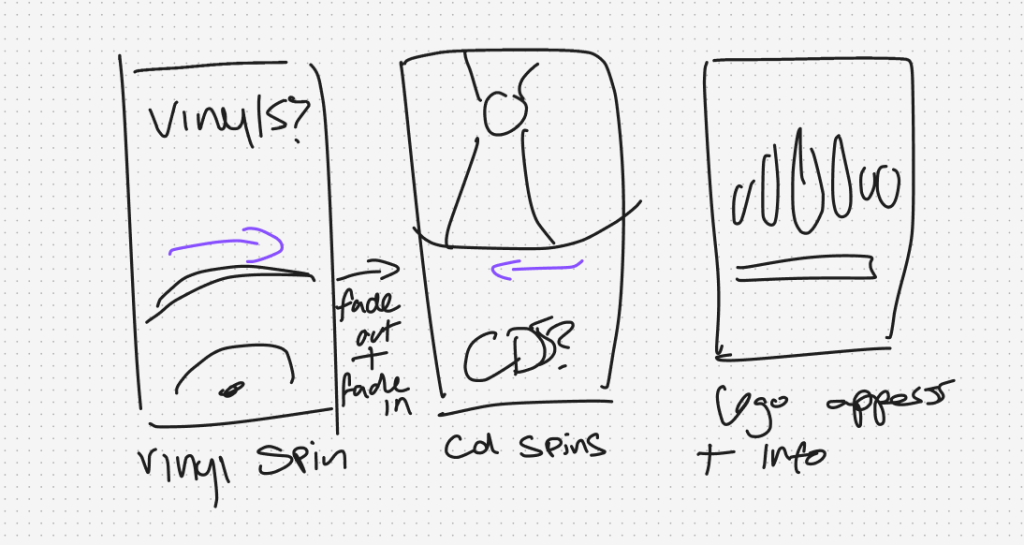
This is the story board I made for my social media video. For this video I had a clear idea of what I wanted to do. This video was to promote my music shop, so I wanted to show the user some of the products. In this video I wanted to feature a record and a cd. My first idea for this video was to make the record and cd myself in illustrator. I made each of them, but when I imported them to after effects they appeared really blurry. As a result of this I tried to scale them down so the blur was not that bad however this did not work as well as I liked. I animated the first outcome, but it did not look good. I used simple transitions that made the whole animation look simple.
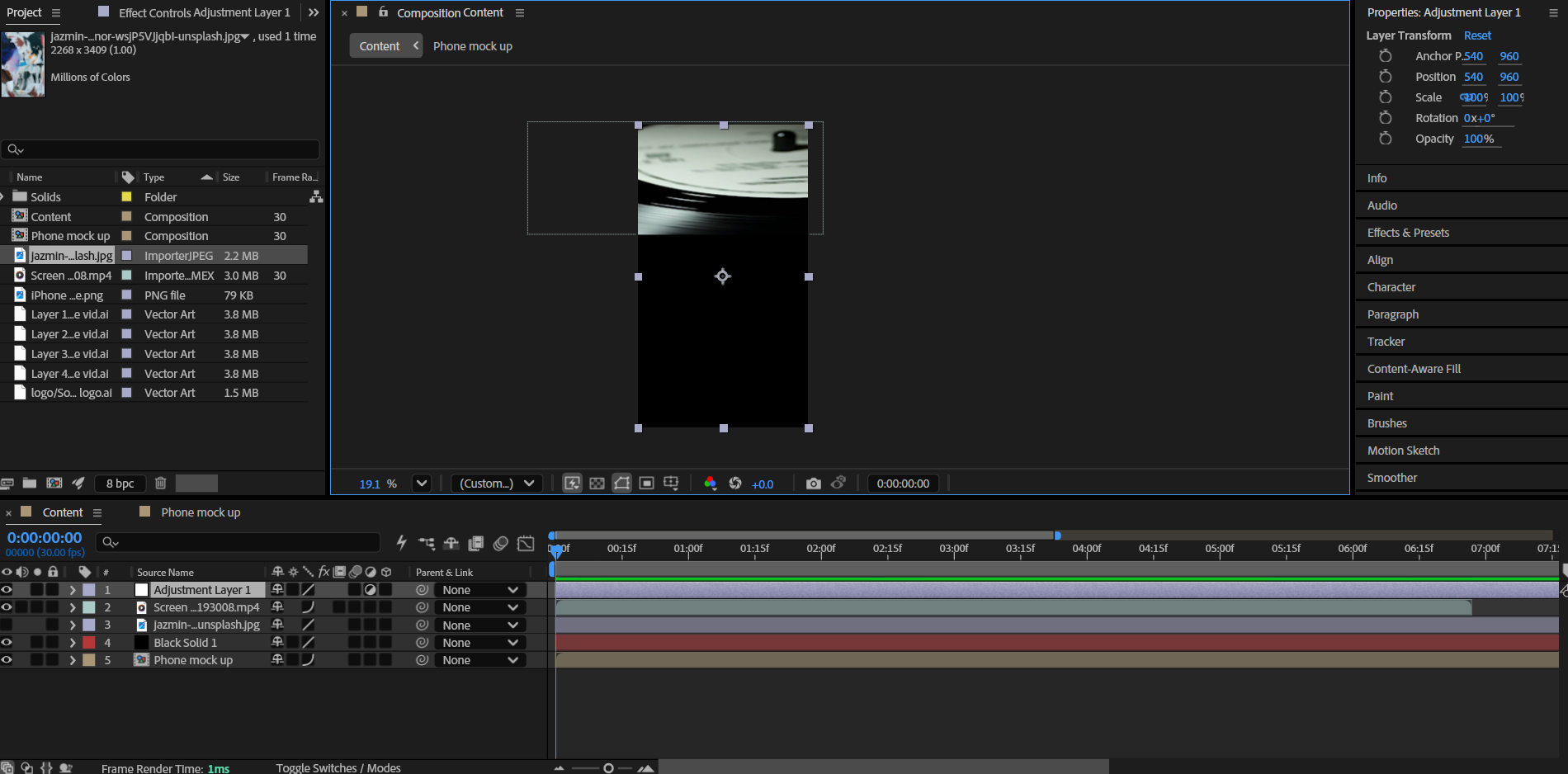
For my second attempt I decided to make the social media video similar my web video. I downloaded more free videos that I think would look good in my work then edited them with the same grain filter as my web video so they look related and users can make the connection. This video was not that hard to animate as I used similar animations to my web video. At the end of the video, I made sure to include an animated button so users can click it to get to the website. I also made sure to add a small piece of text that tells users they can find more on the website so they can visit it later.

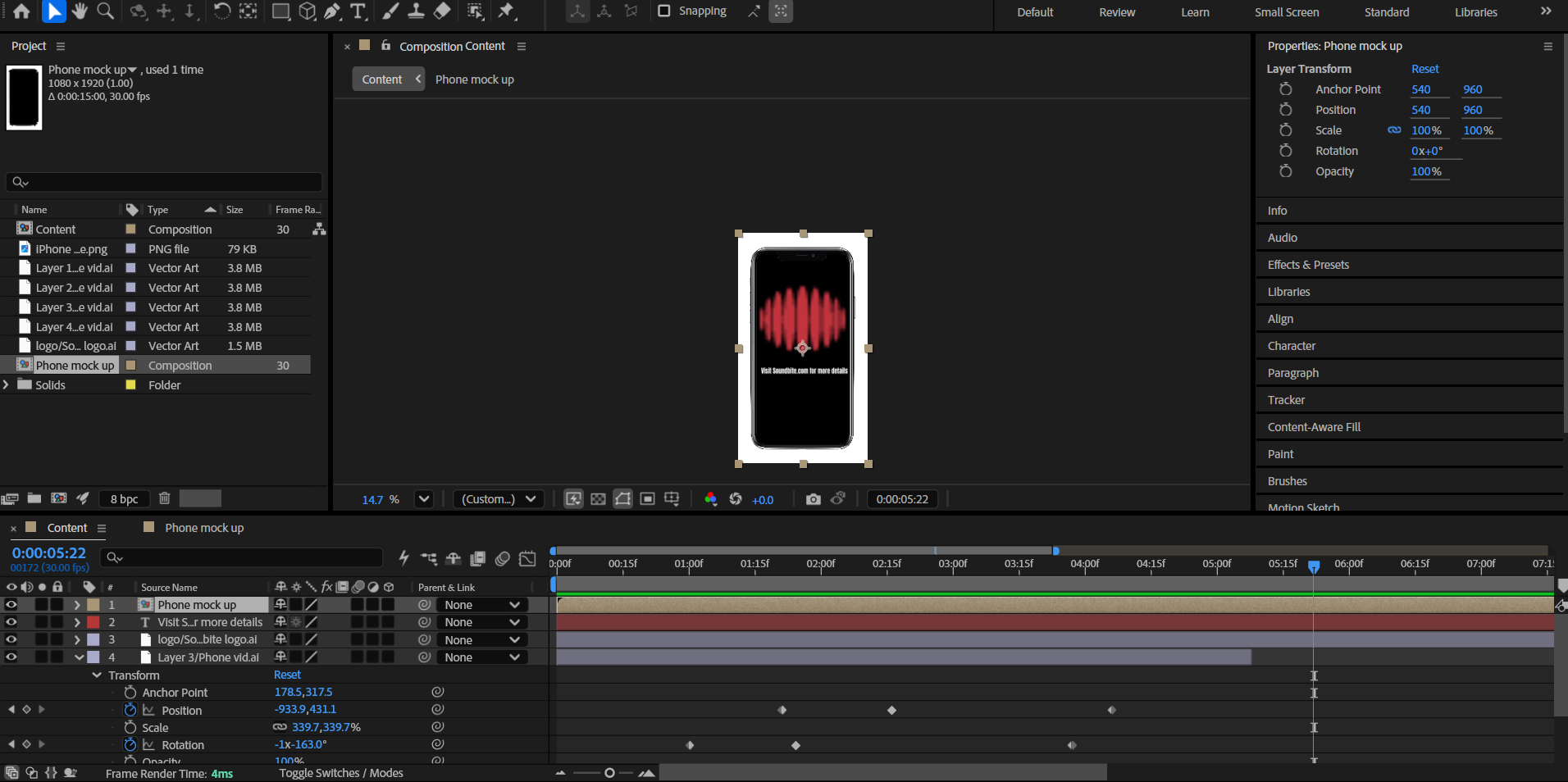
Here is the final outcomeI’m happy with how it turned out and I’m glad that I decided to improve it. I also made a mock-up of my video on mobile. I had the same problem as I did with the web version, which is the text bleeding outside the mock up. To fix this I went back and decreased the size of the text.